![Logo-gamfi_orange.png]](https://gamfi.support/hs-fs/hubfs/Logo-gamfi_orange.png?height=40&name=Logo-gamfi_orange.png)
For that you need to add an action of type "Run process" to the workflow and configure it.
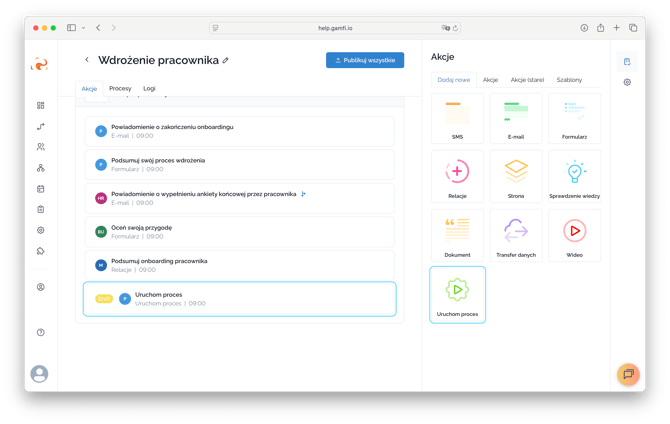
You can configure an action in three ways:
- Set a key date for the new process to the moment the current action is released,
- Add + X days to that moment,
- Set a fixed date on the calendar.
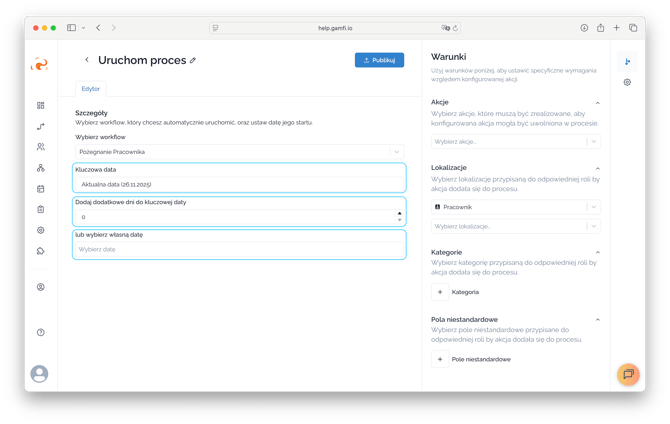
An action triggers a new process within the specified workflow for an assigned role that is present in the ongoing process.
This action handles conditions similarly to other action types, meaning its occurrence may depend on:
- completing another action,
- Location,
- Category,
- Custom Fields.